See SwiftUI components live. Copy the code. Ship faster.
The SwiftUI reference you'll open every day — browse or search, play with live previews, copy real code, and jump to the official docs in one tap.

A reference tool for your daily work.
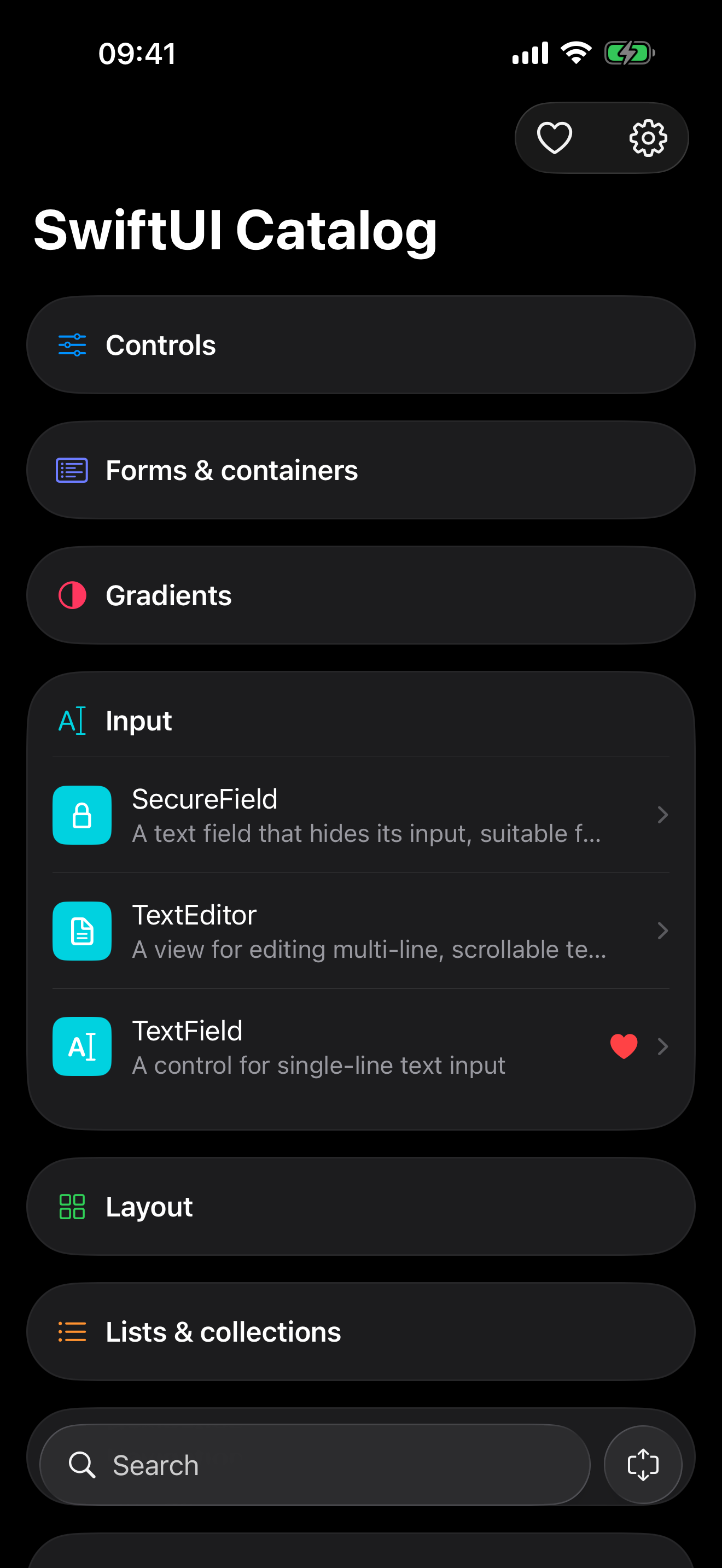
Browse by category. Search as you type.
The entire catalog on one scrollable screen, grouped by category — Controls, Layout, Navigation, Shapes and more. A thumb-friendly search bar on the bottom that filters instantly.
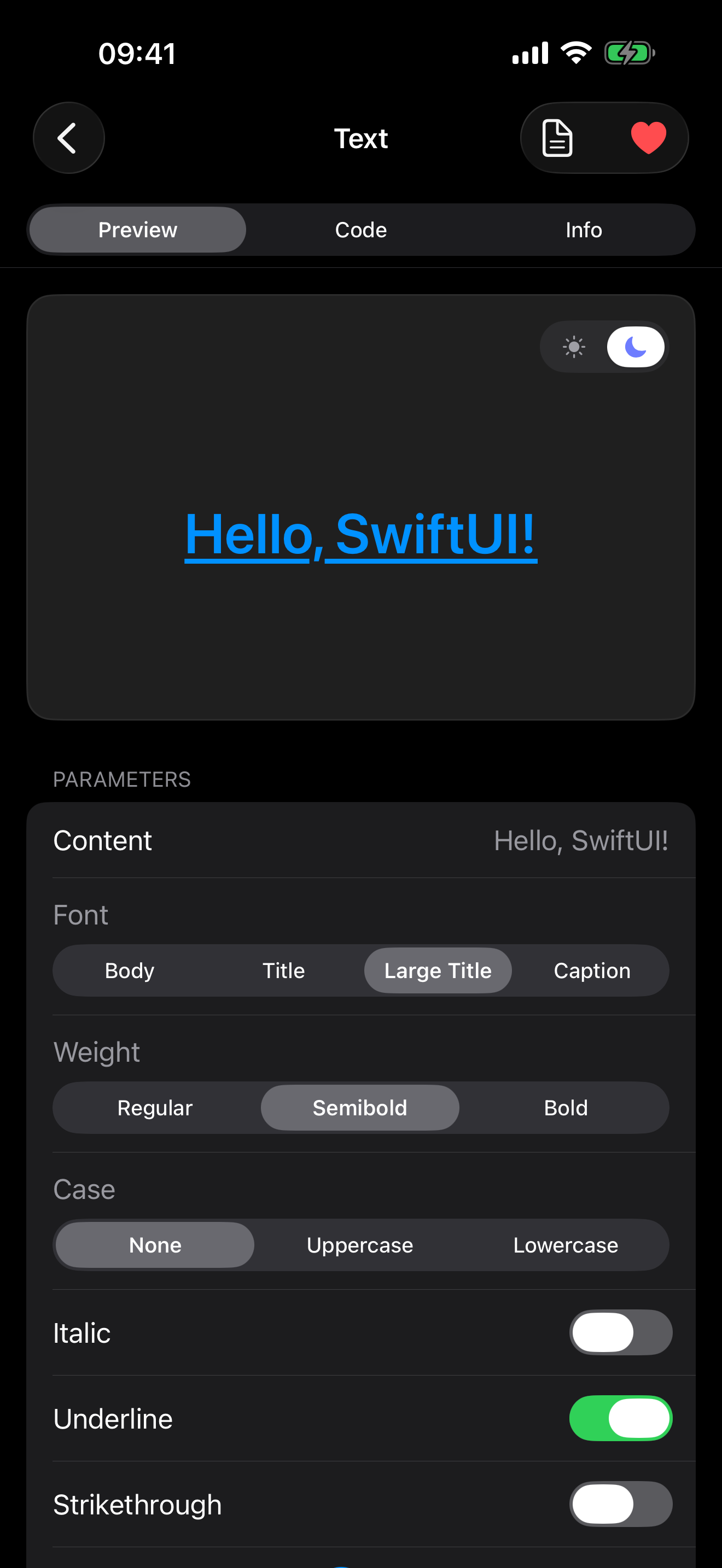
See every component live.
Open any component to an interactive Preview — the real SwiftUI view, running. Flip between light and dark, and tweak it from a parameter playground: toggle states, change colors, adjust values, and watch it update in real time.
Copy code that matches what you see.
The Code tab generates a clean, syntax-highlighted SwiftUI snippet from your current playground settings — change a parameter and the code changes with it. One tap copies it, ready to paste into Xcode.

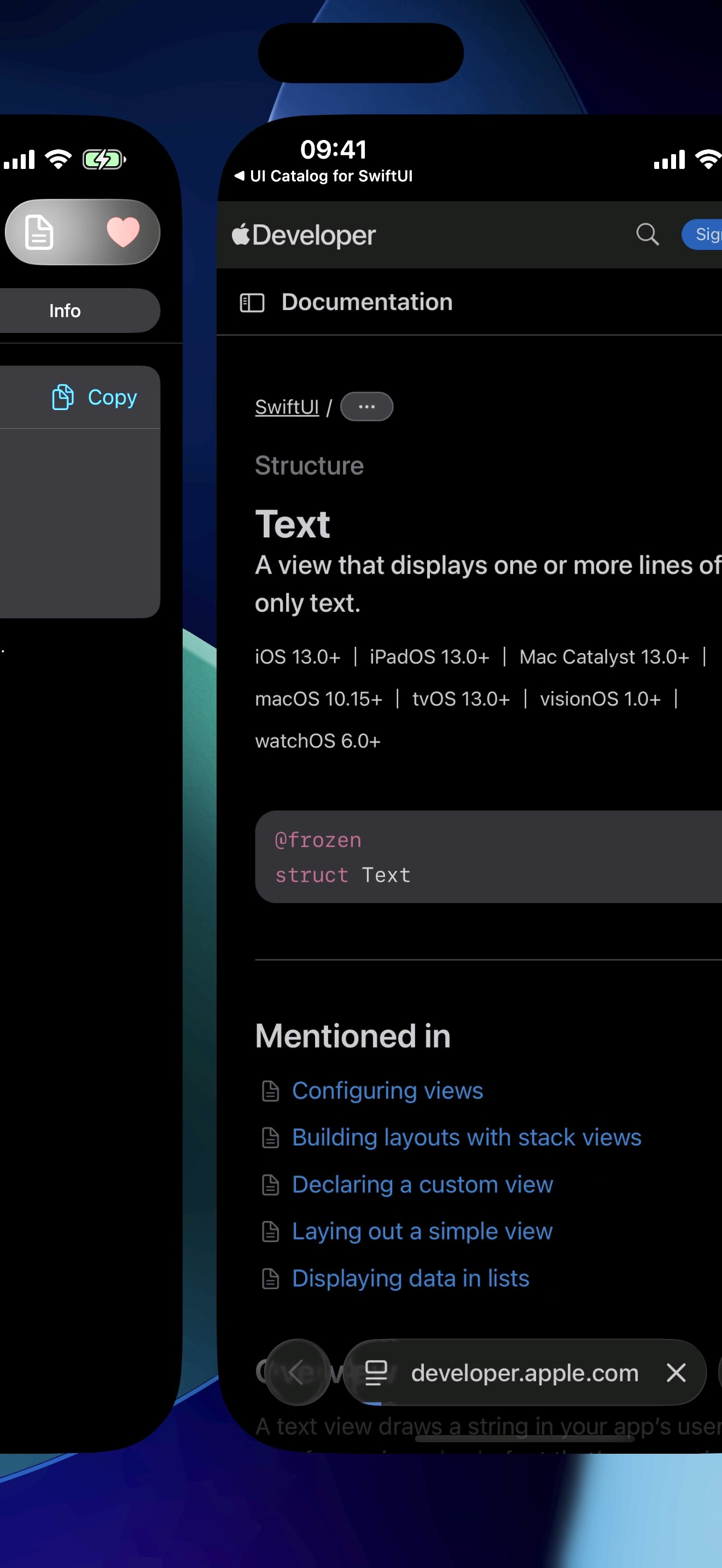
One tap to the official docs.
Each component includes a direct link to Apple's official developer documentation.
Buy once. Use forever.
Every competing catalog has a paywall, a subscription, or ads. This one has none of them — and it never touches your data.
No subscription, no ads
No recurring fees and no advertising anywhere in the app. Ever. What you buy is what you get.
No account or login
Open the app and it just works — no sign-up, no email, no onboarding wall between you and the components.
Everything stays on device
No analytics, no tracking. The app never transmits your data.